

Zillion
industries
See how we build scalable web and mobile applications tailored to industry-specific challenges.
 
Thinking Breakthroughs
Latest Blogs
How to Make Your Website DPDP Compliant: A Step-by-Step Guide
Zillion IT Solution
14 Jul 2026
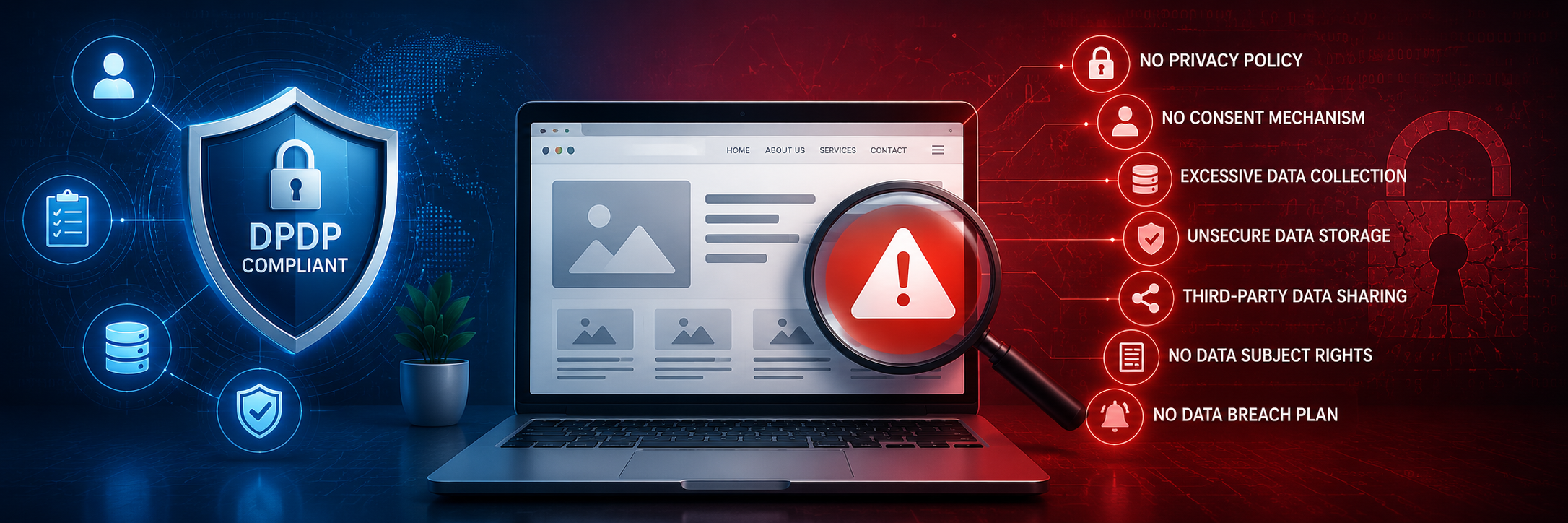
Is Your Website DPDP Compliant? 7 Warning Signs It's Not
Zillion IT Solutions
11 Jul 2026
Casestudies

Retail Management Software Solutions

Content Management System and Payroll Module Integration

Digital Learning Software Solutions

Revolutionizing E-Learning: A Case Study on Digital Transformation

Retail Management Software Solutions

Digital Transformation of an Education Hub

Social Media Digital App Solutions

Community Matrimony App

Dedicated Offshore Team

PHP Developers
PHP Developers

Effortless Project Handling

Wordpress Developers

Scale Your Team with Confidence

Java Developers
Java Developers

Build next-gen Java applications

Laravel Developers
Laravel Developers

Seamless Project Execution

Node JS Developers
Node JS Developers

Efficient Project Handling

Insights and Stories
From Our Blog
Latest Blog
Zillion IT Solution
14 Jul 2026
Latest Blog
Zillion IT Solutions
11 Jul 2026
About
Zillion IT Solutions
Get to know Zillion, where innovative web and mobile solutions meet great talent.
Career
Join our team and help create impactful web and mobile solutions.
Clients
Discover the success stories of our clients powered by innovative digital solutions.
talk to us
Build Powerful Web & Mobile Experiences
We turn ideas into high-performing web and mobile apps with modern tech and intuitive UX.
 
 
DPDP Compliance

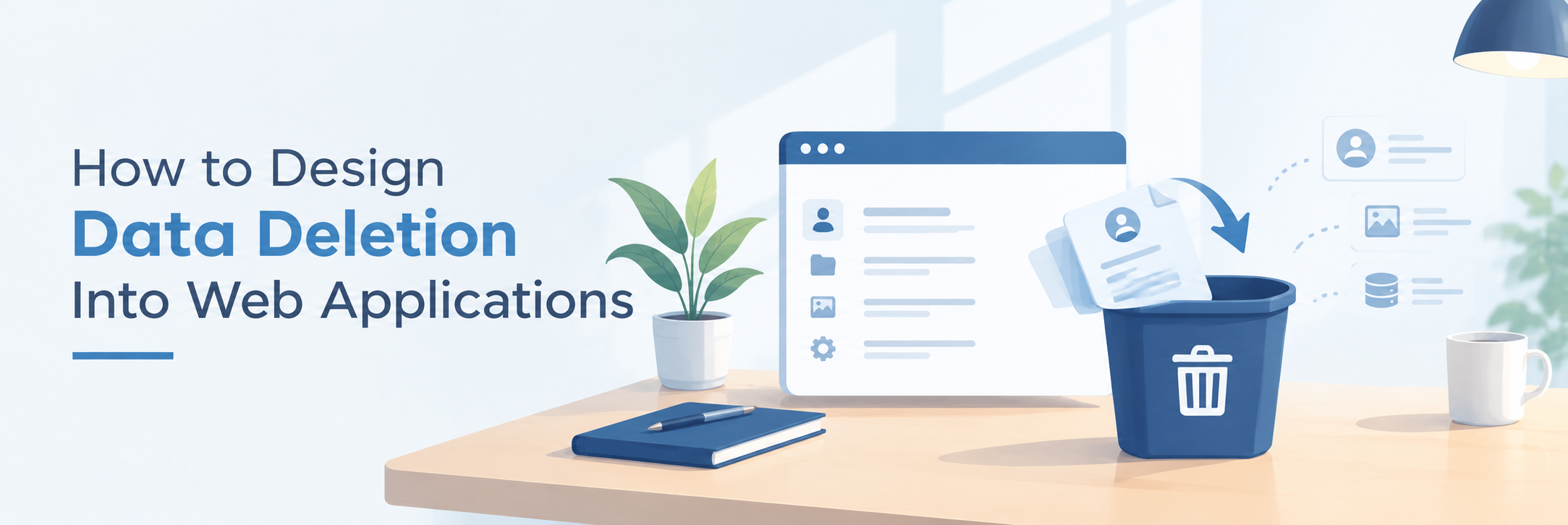
How to Design Data Deletion Into Web Applications

Blog Image

How to Design Data Deletion Into Web Applications?

A user clicks “Delete My Account.”

The screen says:

“Your account has been deleted successfully.”

But has it?

The customer record may be gone from the primary database.

  • The uploaded documents may still exist in object storage.
  • A cache may still contain the user's profile.
  • A search index may still return their information.
  • An analytics platform may have received the data.
  • A third-party CRM may still hold a copy.
  • Background jobs may still be waiting in a queue.
  • And backups may contain yesterday's database.

This is where a seemingly simple feature becomes an architecture problem.

Under India's Digital Personal Data Protection Act, a Data Fiduciary is required to erase personal data when it is reasonable to assume that the specified purpose is no longer being served, subject to situations where retention is necessary under applicable law. The Act also specifically requires a Data Fiduciary to cause its Data Processor to erase personal data made available for processing.
 

The practical question for software teams is therefore not simply:

“Can we delete the record?”

It is:

“Can we design a reliable process for removing personal data from every system where the application has placed it?”

That is what a deletion architecture needs to solve.

Deletion Is a Data-Flow Problem

Most applications are designed around data creation.

  • A user registers.
  • A record is created.
  • An order is placed.
  • A document is uploaded.
  • A transaction is processed.

Information moves through the system.

Deletion requires developers to reverse that journey.

Consider a customer profile:

Web application → API → Database → Cache → Search index → CRM → Analytics → Backups

If the customer requests deletion, which of these systems needs to change?

The answer depends on the application's architecture and the applicable retention requirements.

That is why deletion should be designed alongside the original data flow.

If the development team does not know where data goes, it cannot confidently determine where deletion needs to happen.

Start With a Data Deletion Map

One of the most practical things a development team can do is create a data deletion map.

For every category of personal data, identify:

Data location

What to determine

Primary database

Which records and relationships must be removed?

File storage

Which uploaded documents or objects belong to the user?

Cache

Could stale personal information remain accessible?

Search index

Does the search engine contain a copy?

APIs

Which connected systems received the data?

Queues

Are pending jobs carrying personal information?

Logs

Has personal data accidentally entered technical logs?

Analytics

Has identifiable information been sent to analytics systems?

Third parties

Which processors or service providers hold the data?

Backups

What is the applicable approach to retained backup copies?

This exercise often reveals something important:

The database is only one part of the data lifecycle.

A deletion mechanism designed only around database tables may therefore be incomplete.

1. Database Deletion: Start at the Source

The primary database is usually the obvious starting point.

But even here, deletion can be complicated.

A customer may have:

  • A user account
  • Orders
  • Addresses
  • Support tickets
  • Uploaded documents
  • Preferences
  • Notifications
  • Payment-related references

Deleting the user record without considering related data can leave personal information behind.

At the same time, blindly deleting every related record can damage legitimate business records or violate other retention obligations.

Practical tip - 

Do not design deletion as DELETE FROM users and stop there.

Instead, define the application's data relationships first.

For every related table, determine whether the information should be:

  • Deleted
  • Anonymised
  • Retained for a defined reason
  • Disassociated from the individual
  • Handled through another workflow

The correct treatment depends on the data, purpose, architecture and applicable legal requirements.

The important part is that the decision should be intentional.

2. Files Are Often Forgotten

Applications increasingly store more than database records.

Users upload:

  • Identity documents
  • Invoices
  • Photographs
  • Resumes
  • Medical documents
  • Contracts
  • Supporting evidence

The database may contain only a reference to the file.

Deleting the database record does not necessarily delete the actual object in storage.

For example:

Database: customer_4587 → document_9821

Object storage: /uploads/customer_4587/passport.pdf

If the database entry disappears but the file remains, the application has not necessarily completed the deletion process.

Practical tip - 

Whenever an application stores files, maintain a reliable relationship between the business record and the stored object.

Deletion logic should know:

  • Who owns the file?
  • Where is it stored?
  • Which versions exist?
  • Are there derived files or thumbnails?
  • Has the file been copied to another service?

File deletion should be tested independently rather than assumed to happen automatically.

3. Caches Can Keep Data Alive

Caching improves performance.

It can also preserve information after the source record has changed.

Imagine a customer's profile being cached for faster page loading.

The database record is deleted.

But the cache entry remains valid for another hour.

A subsequent request may retrieve the old information.

That creates a gap between:

“The data has been deleted.”

and

“The application no longer serves the data.”

Practical tip -

Identify where personal data can enter:

  • Redis
  • Application caches
  • CDN caches
  • Session stores
  • Client-side storage

For each cache, define what should happen when the underlying data is deleted or changed.

A useful engineering principle is:

Deletion should trigger invalidation wherever cached personal data may exist.

4. Search Indexes Need Their Own Deletion Logic

Applications with search functionality often create another copy of data.

A customer profile may exist in the primary database but also be indexed in a search engine.

Deleting the database record does not automatically guarantee that the search index has been updated.

This becomes especially important when applications use search platforms to make customer records, documents or support content searchable.

Practical tip - 

For every searchable personal-data field, document:

Source → Index → Search result → Deletion trigger

Then test the entire sequence.

A useful test case is:

  1. Create user.
  2. Create searchable content.
  3. Confirm it appears in search.
  4. Delete the underlying data.
  5. Re-run the search.
  6. Confirm the information is no longer exposed.

That is much stronger than testing only whether the database row disappeared.

5. APIs Turn Deletion Into a Cross-System Problem

Modern applications rarely own the entire data environment.

A customer application may send information to:

  • CRM systems
  • ERP platforms
  • Payment services
  • Marketing platforms
  • Communication tools
  • Identity providers
  • Analytics services
  • External SaaS applications

Once personal data crosses an API boundary, deletion becomes a coordination problem.

Suppose a web application sends a customer's name and email address to a CRM.

The user deletes their account.

The web application's database removes the record.

What happens in the CRM?

The application needs an answer.


Practical tip - 

Maintain an integration inventory containing:

  • System name
  • Data shared
  • Purpose
  • API used
  • Processor/vendor status
  • Deletion capability
  • Deletion response/status
  • Retention limitations

Where an external system supports deletion APIs or workflows, integrate them into the application's deletion process where appropriate.

Where deletion cannot happen immediately, document the limitation and the applicable retention or contractual process.

The DPDP Act specifically addresses Data Processors and requires the Data Fiduciary to cause processors to erase personal data made available for processing, subject to the applicable requirements.

6. What About Queues and Background Jobs?

This is an easily missed problem.

Suppose a user uploads a document.

The application places a message in a queue:

“Process document for User 4587.”

The user then requests deletion.

The account is removed.

But the queue still contains a pending job referencing that user's data.

A worker may process it minutes later.

Now the application has unintentionally recreated or moved information after the deletion request.


Practical tip - 

For systems using:

  • Message queues
  • Event buses
  • Background workers
  • Scheduled jobs
  • Serverless functions

define how deletion interacts with pending work.

Possible engineering approaches include:

  • Cancelling pending jobs
  • Marking a subject as deleted
  • Rejecting jobs associated with deleted records
  • Removing sensitive payloads from queued messages
  • Designing workers to verify record status before processing

The best solution depends on the architecture.

But the question needs to be asked.

7. Be Careful With Logs

Logs are designed to help developers understand what happened inside an application.

They should not become an accidental personal-data database.

Consider an API request that contains:

name

email

mobile

address

If the application logs the complete request for debugging, all four fields may now exist in the logging platform.

Deleting the customer from the main application does not necessarily remove historical log entries.


Practical tip - 

Use structured logging with deliberate field selection.

Instead of logging complete objects, log technical identifiers and events that are sufficient for troubleshooting.

For example:

Less useful:
“Complete customer object: [all fields]”

More deliberate:
“Order 84721 failed during payment validation.”

The second approach provides operational value without automatically duplicating an entire personal-data record.

8. Analytics Creates Another Hidden Copy

Analytics platforms deserve particular attention.

Developers sometimes send complete user objects to analytics systems because it makes reporting easier.

Later, someone realises that the analytics platform contains identifiable information that was never necessary for the original analysis.

This creates a difficult deletion problem.


Practical tip - 

Before sending data to analytics, ask:

Can we achieve the same business insight without identifying the person?

Where possible, use:

  • Aggregated data
  • Pseudonymous identifiers
  • Event identifiers
  • Non-identifying attributes
  • Purpose-specific fields

Do not send personal information simply because an analytics SDK makes it technically easy.

9. Backups Change the Meaning of “Delete”

Backups are different from live application storage.

An organisation may maintain backups for resilience, disaster recovery or legal reasons.

That means a deletion architecture cannot simply assume that every historical backup can be rewritten every time a user deletes an account.

The DPDP framework itself recognises situations where retention may be necessary to comply with applicable law. The 2025 Rules also establish specific retention and erasure provisions for certain processing activities and require certain processing-related data and logs to be retained for at least one year in specified circumstances, unless another law requires longer retention.


Practical tip - 

Define a backup deletion policy rather than promising instant physical removal from every historical backup.

Document:

  • Backup retention period
  • Backup type
  • Whether backups are immutable
  • Restoration process
  • How deleted records are treated after restoration
  • When backup copies naturally expire
  • Any legally required retention

The goal is to ensure that backup architecture does not accidentally become an uncontrolled permanent copy of personal data.

10. Design Deletion as an Orchestrated Workflow

Once an application becomes sufficiently complex, deletion should not be scattered across dozens of unrelated pieces of code.

A better approach is to treat deletion as a controlled workflow.

For example:

Deletion request

↓

Verify request / identify subject

↓

Create deletion job

↓

Lock or mark account for deletion

↓

Delete or process primary records

↓

Remove associated files

↓

Invalidate caches

↓

Remove search indexes

↓

Notify connected systems

↓

Handle pending jobs

↓

Record completion status

↓

Verify expected outcomes

This does not mean every application needs exactly this sequence.

The architecture should reflect the application's data flows and legal requirements.

But centralising the orchestration makes the process easier to understand, monitor and test.

Build a Deletion Status, Not Just a Delete Button

One practical improvement is to treat deletion as an operation with a status.

For example:

Requested

Under processing

Database completed

Files completed

Third-party systems notified

Verification completed

Completed

Exception requiring review

This becomes especially valuable when an application communicates with external systems.

Instead of telling the user “deleted” immediately after removing one database record, the system can manage the underlying workflow appropriately.

It also creates operational visibility for the development and support teams.

Make Deletion Idempotent

This is a technical detail with significant practical value.

A deletion request may be triggered twice.

A network request may be retried.

A queue message may be delivered more than once.

A third-party API may respond slowly.

Deletion logic should therefore be designed so that repeating the operation does not create a new problem.

For example:

If a file is already deleted, the system should handle that state safely.

If a database record is already absent, the deletion process should not fail simply because there is nothing left to remove.

If a third-party deletion request is retried, the integration should handle the response appropriately.


Practical principle

A deletion operation should be safe to retry.

This is particularly important in distributed systems.

Do Not Forget Verification

A deletion workflow is incomplete if nobody verifies what happened.

Testing should go beyond:

“Did the user record disappear?”

A stronger deletion test asks:

  • Can the user still log in?
  • Can their profile still be retrieved through an API?
  • Does search still return their information?
  • Are their files still accessible?
  • Does a cache still serve their information?
  • Are pending background jobs still processing their data?
  • Did connected systems receive the deletion instruction?
  • Are unexpected personal details still present in logs or application stores?

The exact verification points depend on the architecture.

But the principle is universal:

Test deletion from the perspective of data exposure, not just database state.

Build Deletion Into the Architecture From Day One

Retrofitting deletion is expensive because applications accumulate dependencies.

A system designed without a clear data map may have:

  • Hard-coded integrations
  • Duplicate databases
  • Untracked file storage
  • Uncontrolled logs
  • Multiple caches
  • Third-party copies
  • Legacy tables
  • Unknown data flows

Trying to discover all of this only after a deletion requirement appears can become a major engineering exercise.

A better approach is to ask deletion questions during architecture design.

For every new feature:

  • What personal data does it create?
  • Where does that data go?
  • Who receives it?
  • Where is it cached?
  • Where is it indexed?
  • How will it be deleted?
  • What happens if deletion is requested tomorrow?

That last question is surprisingly powerful.

A Practical Deletion-Readiness Checklist

Before releasing a web application that processes personal data, development teams can walk through this checklist:

  • Data discovery - Can we identify every major location where personal data is stored or processed?

  • Database - Are primary and related records covered by the deletion design?

  • Files -  Can associated documents and objects be identified and removed?

  • APIs -  Do connected systems have a defined deletion or retention process?

  • Caches - Can cached personal data be invalidated?

  • Search - Can indexed personal information be removed or updated?

  • Queues - Can pending jobs involving deleted data be stopped or safely ignored?

  • Logs - Have we avoided unnecessary personal information in technical logs?

  • Analytics - Do external analytics systems receive only what they need?

  • Backups - Is there a documented approach to backup retention and restoration?

  • Verification - Can the organisation demonstrate that the deletion workflow completed as designed?

This checklist is not a substitute for legal advice or a complete compliance assessment.

It is an engineering starting point.

The Real Challenge Is Not Deleting Data

Deleting a row is easy.

Deleting a data footprint is much harder.

Modern applications replicate information across databases, files, APIs, caches, indexes, queues and third-party platforms.

That is why data deletion under DPDP should not be treated as a small feature request added to an application's settings page.

It should be treated as an architectural capability.

  • The strongest implementations start by understanding the data flow.
  • Then they design deletion into that flow.
  • They make the operation traceable.
  • They make it retry-safe.
  • They account for connected systems.
  • They distinguish live data from backups.
  • And, most importantly, they test whether the application has actually stopped exposing the information.

Because when a user clicks Delete, the real question is not whether one record disappeared.

The real question is: where else does that data still exist?


Building Deletion Into Your Web Application?

Whether you are developing a new application, modernising an existing platform or delivering software for a client, Zillion IT Solutions can help design data lifecycle controls into the application architecture.

From databases and APIs to file storage, integrations, caching, testing and deletion workflows, the focus is on building applications where data can be managed deliberately throughout its lifecycle.

Deletion should not be an afterthought added to the interface. It should be an architectural capability built into the application.

zillion

New Things Will Always
Update Regularly

zillion